
Redesigns are where builders lose the most visibility at once
A new website is usually approved for good reasons: a dated look, a slow platform, a vendor that can’t keep up. But a redesign is also the moment when years of search visibility can disappear in a weekend. Pages move to new addresses with no forwarding. Content that ranked is trimmed for a cleaner design. Templates come back slower. Lead forms stop reporting their source. Inventory feeds change how homes are published.
None of these show up in a design review. They show up a few weeks later as fewer visits and fewer inquiries, and the guide on why builder sites lose traffic lists migrations among the most common causes. The good news is that nearly all of it can be prevented, and prevention is decided before launch.
What to require in the contract
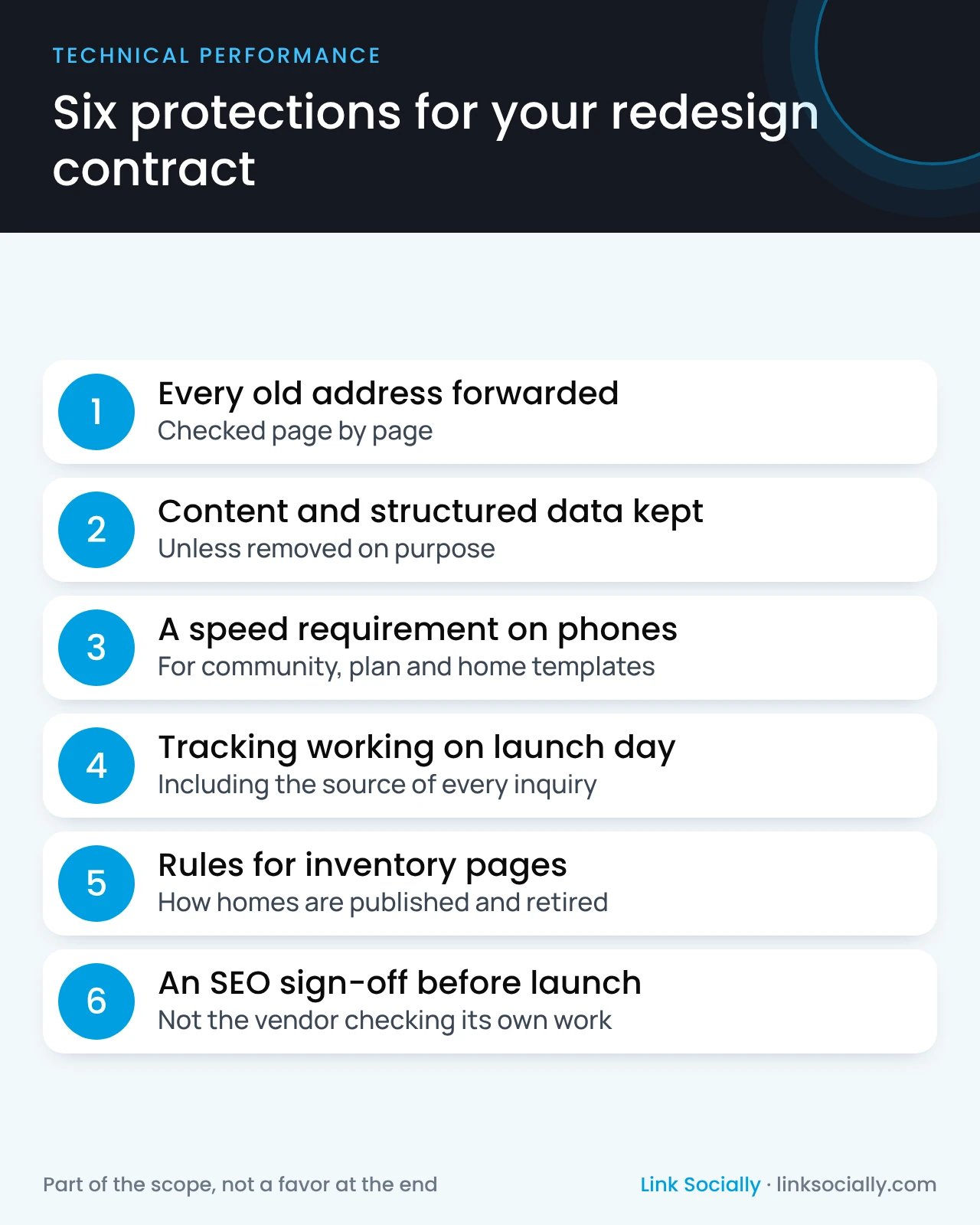
Write these protections into the vendor contract or project brief, so they are part of the scope, not a favor at the end.
- Every old page address forwarded to its new home, checked page by page, not just the main sections.
- Content and structured data kept unless someone decides to remove them on purpose.
- A speed requirement on phones for community, floor plan and quick move-in templates.
- Analytics and lead tracking working on launch day, including the source of every inquiry.
- Clear rules for inventory pages: how homes are published, updated and retired on the new platform.
- An SEO sign-off before launch, by your SEO lead or agency, not the vendor checking its own work.
Google publishes its own guidance on moving a site with address changes. Ask your vendor to show you how its plan follows it.
Questions to ask a platform or vendor before you sign
- How will you move our page addresses, and who checks that every old page has a new home?
- How does your platform handle community, plan and quick move-in pages as their status changes?
- How fast are your other builder sites on phones, for real visitors?
- Will our lead forms and call tracking keep recording how buyers found us?
- If we leave in a few years, can we take our content and data with us?
Vague answers to these questions are a warning sign. A vendor that has protected other builders’ visibility will answer them in detail.
Red flags in a vendor’s answers
- “We’ll handle redirects at the end.” Forwarding old addresses is planning work, not a launch-week task.
- “SEO plugins take care of it.” A plugin doesn’t decide which old page maps to which new one.
- No real-visitor speed data for the builder sites they have already built.
- A content cut presented as a design improvement, with no check on which pages bring in buyers today.
- No answer about leaving. If you can’t take your content and data with you, every future decision gets harder.
Plan the launch like a sales event
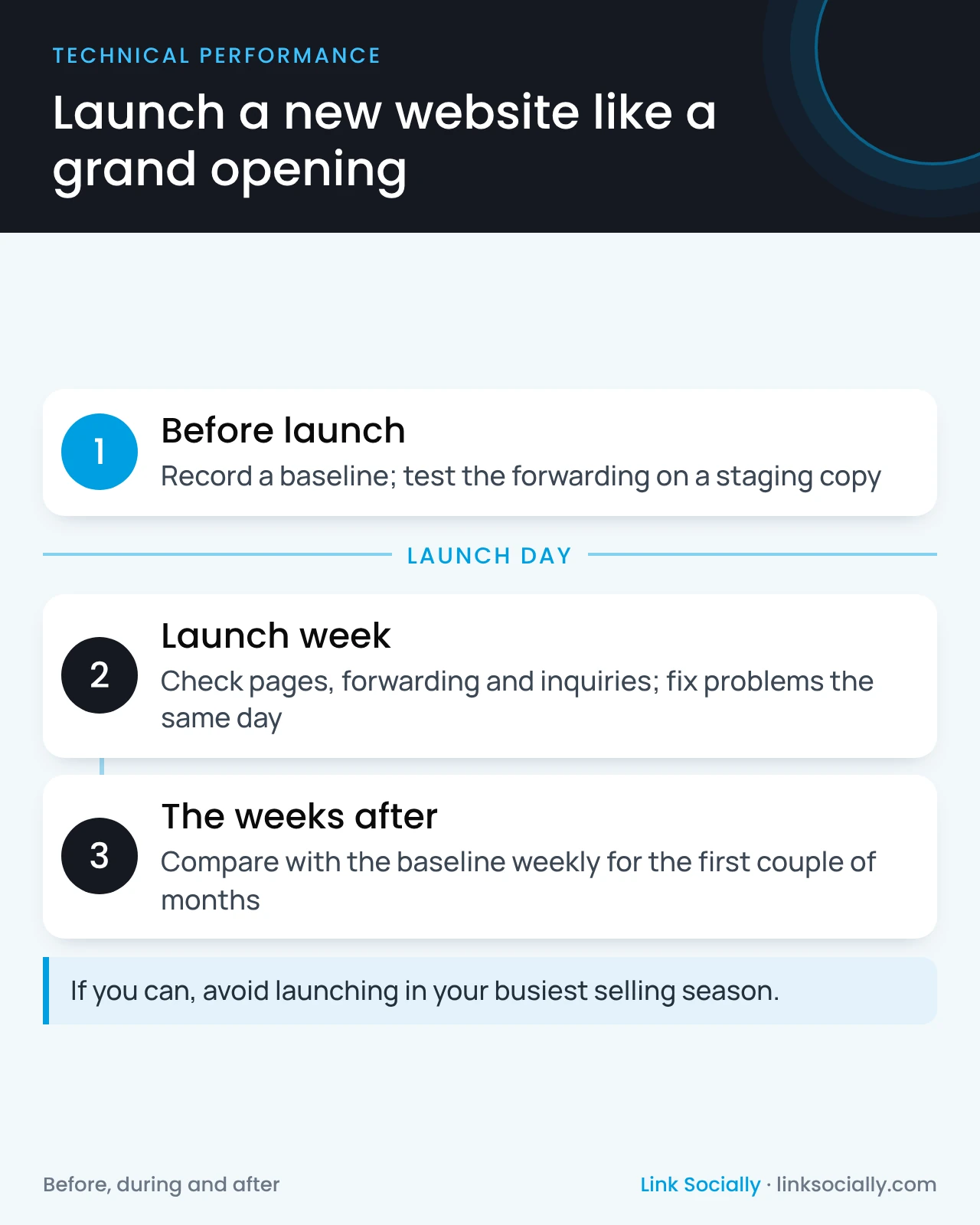
Treat launch day with the same care as a grand opening.
- Before: record a baseline of visits, rankings and inquiries by community, and test the forwarding on a staging copy of the new site.
- Launch week: check that pages load, forwarding works and inquiries arrive with their source. Fix problems the same day.
- After: compare against the baseline weekly for the first couple of months. Avoid launching in your busiest selling season if you can.
Who owns it
- The marketing leader owns the decision and the timing.
- The vendor delivers the protections in the contract.
- The SEO lead or agency writes the forwarding plan, checks it before launch and watches the results after.
- Sales operations confirm that leads arrive with their source from day one.
A technical SEO audit before launch is the cheapest insurance a redesign can buy. It also sets the speed requirements the new templates should meet.