
One plan, many pages, one confused search
A successful plan gets built everywhere. A builder might offer the same single-story design in ten communities across three metros, and a website template will happily create a page for each one. Each page has the same photos, the same room list and the same description, with only the community name changed.
To a search engine, those are ten answers to the same question. It has to guess which one to show, and it often guesses differently from week to week. Visibility that could have gone to one strong page is split ten ways, and buyers who search for the plan by name can land in a community two hours from where they want to live. At a national builder, untangling overlap like this cut keyword cannibalization from 83% to 24% in 4 months, as the content cannibalization case study describes.
Buyers search for plans in two different ways
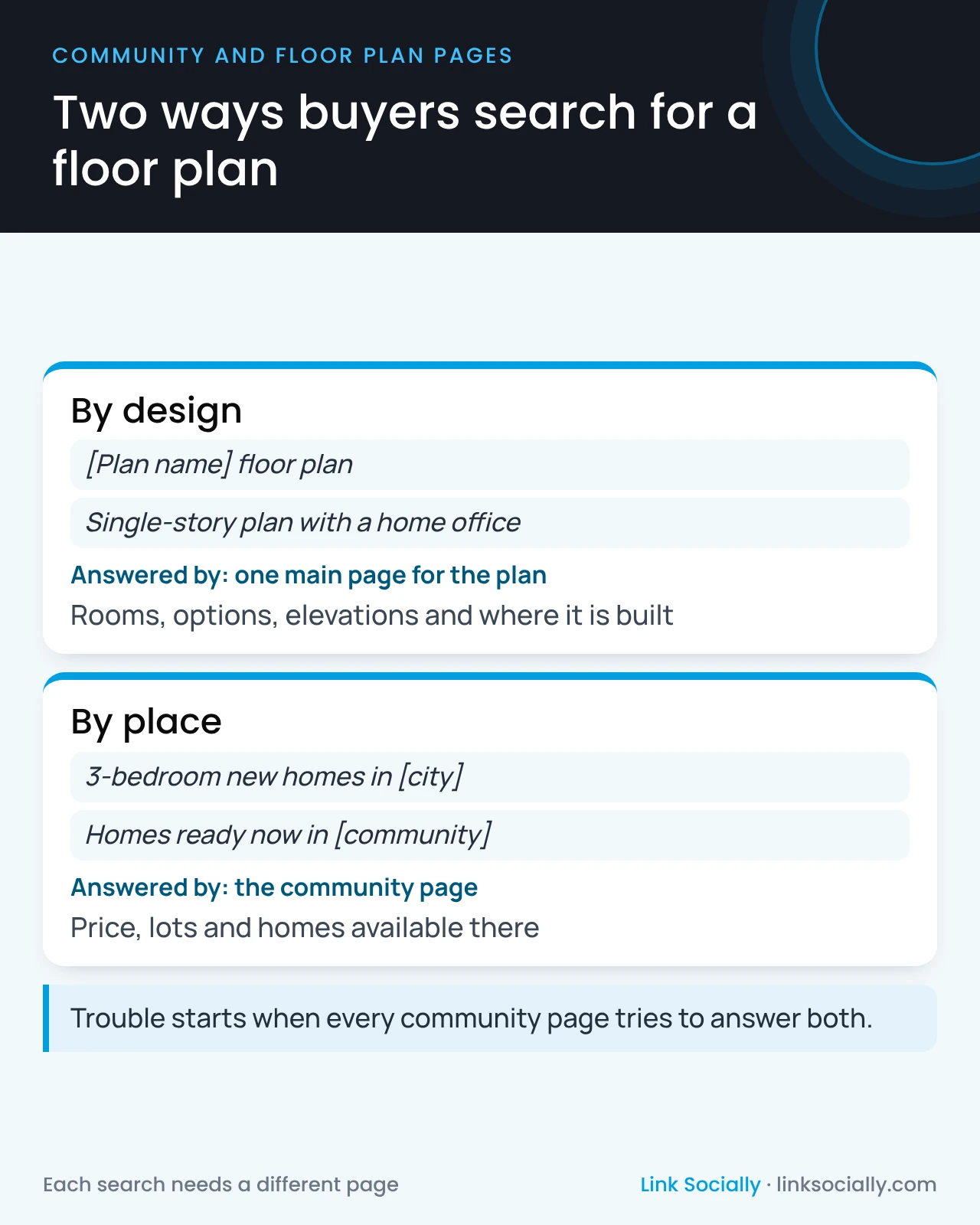
The fix starts with seeing that buyers ask two different questions, and each needs its own kind of page.
- By design. Buyers who saw a plan in a model or a brochure search for it by name, or search for a type of home, such as a single-story plan with a home office. They want the design: rooms, options, elevations and where it is built.
- By place. Buyers who know where they want to live search for homes there, such as three-bedroom homes in a particular city. They want what is available in that community: price, lots and homes ready now.
A design page answers the first question once, for every community. A community page answers the second, listing the plans built there. Trouble starts when every community page tries to answer both.
The decision leadership should make
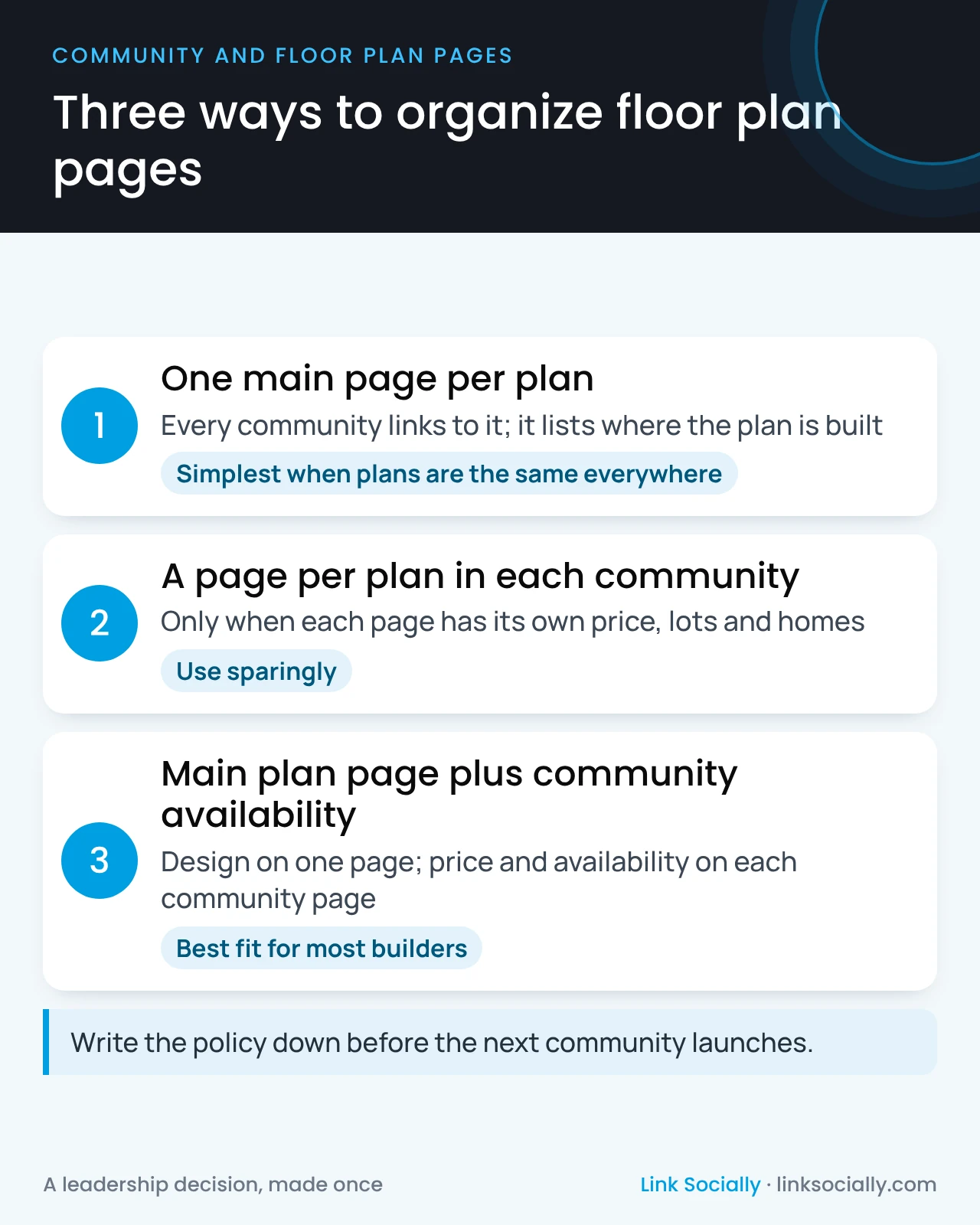
There are three workable policies. Each has a cost, and the right one depends on how your plans and pricing vary between communities.
- One main page per plan. Every community links to it, and the page lists where the plan is built. This is the simplest and strongest option when plans are the same everywhere.
- A page per plan in each community. This is right only when each page is truly different: its own price, lots, options and available homes.
- A main plan page plus community availability. One page owns the design, and each community page shows that plan’s price and availability there. For most builders this hybrid fits best.
Whichever you choose, write it down. Without a policy, every new community adds more duplicate pages.
What it costs when nobody decides
Duplicate plan pages rarely cause a dramatic drop. They cost a little everywhere, which is why they go unnoticed:
- Split visibility. Ten pages share the attention one strong page would have earned, so none of them ranks as well as it could.
- Wrong destinations. Buyers who search for a plan land in whichever community search engines picked, not the one closest to them.
- Paid search fills the gap. When organic results send buyers to the wrong place, more budget goes to ads for searches the site should already win.
- Inconsistent facts. Copies drift apart over time, so one page lists a different square footage or price than another, and AI assistants repeat whichever version they read.
- Slower launches. Every new community adds more copies to maintain, and every plan update has to be made in ten places.
A written policy removes all five at once, and it costs nothing to decide.
Plans retire too
Plans are updated, renamed and retired. A plan page that disappears takes its searches, links and history with it. A page that stays up after the plan is gone sends buyers to a home you no longer build. Decide in advance where each retired plan’s visitors should go, usually to its successor plan or to the communities where similar homes are available.
Questions to ask your team or agency
- For our five best-selling plans, how many pages do we have for each?
- When a buyer searches for one of those plans by name, which page does Google show, and is it the one we want?
- Do our plan pages show where the plan is built and what it costs in each place?
- What happens to a plan page when the plan is retired or renamed?
- Who decides, product, sales, marketing or the web team?
Who owns floor plan pages
- Product and sales own the facts: which plans are built where, at what price and with which options.
- The content lead owns the descriptions and makes sure each page has a clear job.
- The web team or vendor owns the templates that create plan and community pages.
- The SEO lead or agency owns the page policy and checks for pages that compete.
Leadership approves the policy and the rule for retired plans. That policy is part of a scalable content strategy, and it works hand in hand with what community pages need to show.