
Video answers questions photos can’t
Photos show a home. Video shows what it is like to be there: the drive through the entrance, the light in the great room at four in the afternoon, the walk from the model to the pool. For a buyer deciding whether a community is worth a Saturday, that is a powerful answer.
Cristobal Varela’s book puts the promise and the condition in one sentence: video can lift engagement and explain complex topics, but only if it is visible, fast and readable by search engines. Most builders have the first part covered. The second part is where video investments quietly underperform.
Where video earns its place
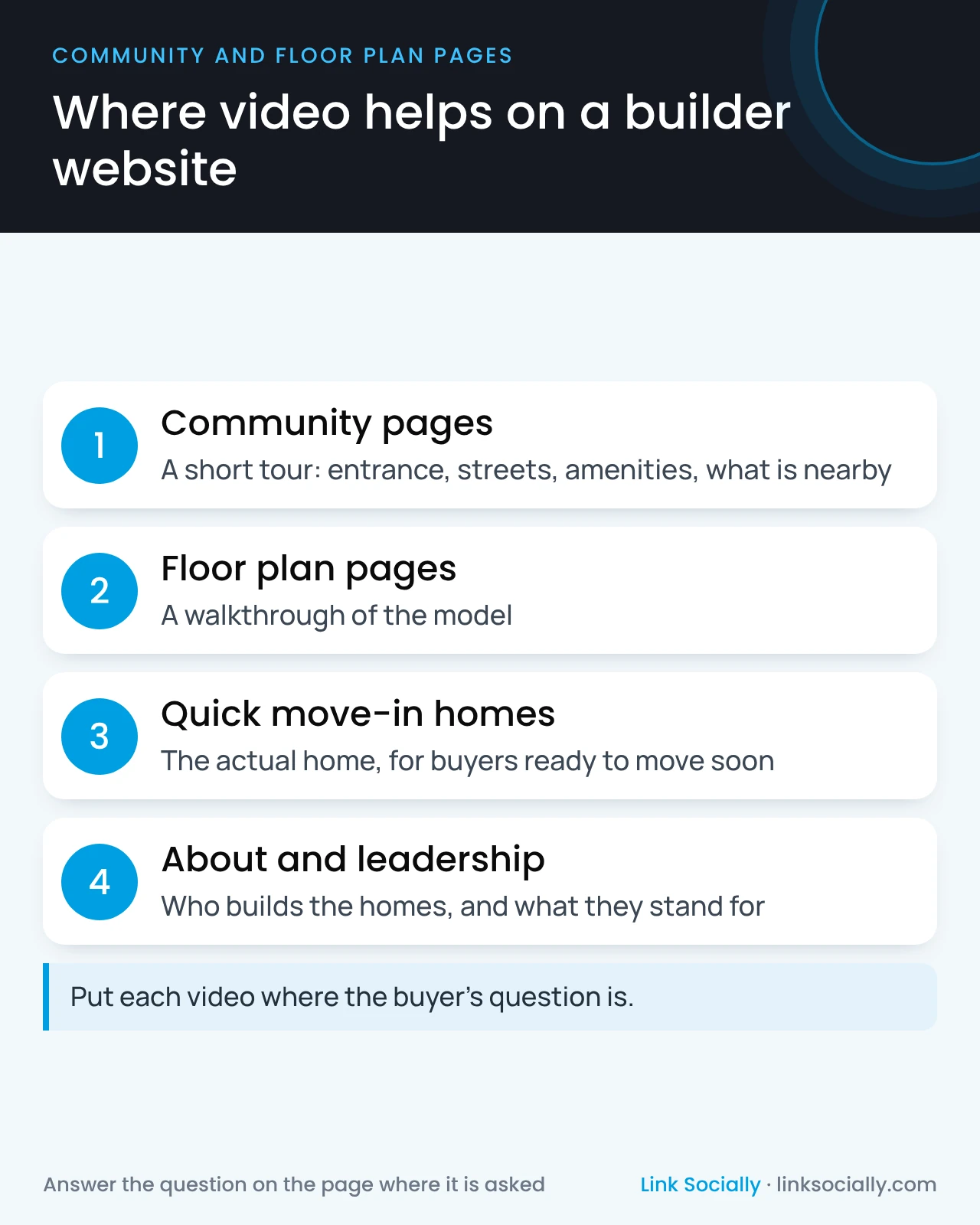
Video works best when it answers the question a buyer has on the page where they have it.
- Community pages: a short tour of the entrance, streets, amenities and what is nearby.
- Floor plan pages: a walkthrough of the model, so buyers can picture the layout.
- Quick move-in homes: a video of the actual home, which helps buyers who are ready to move soon.
- About and leadership pages: who builds the homes and what they stand for, which builds trust before the first visit.
Video nobody finds doesn’t help
The book lists the common reasons video fails to pay off, and they are all decisions rather than technical accidents:
- It lives only on YouTube, with no embed on the matching page of your website.
- It sits at the bottom of the page, or appears only after a buyer clicks through several steps.
- It has no written context. Search engines understand a video through the page around it and the description that goes with it, such as a title, a short summary and when it was made. Google’s video best practices describe what it looks for.
- It slows the page, because the player loads in full before anyone presses play.
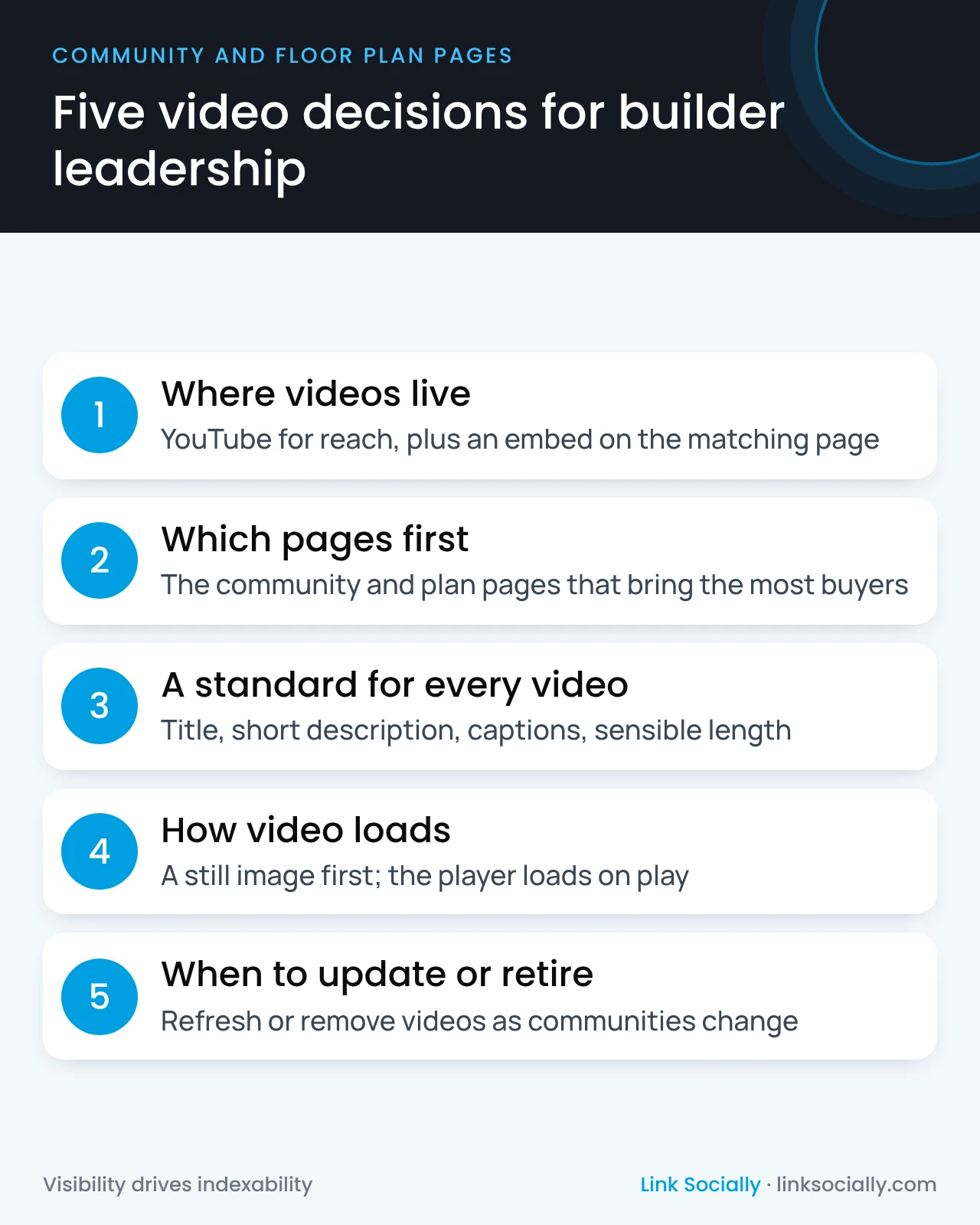
The decisions leadership should make
- Where videos live. Usually YouTube for reach, plus an embed on the matching page of your site.
- Which pages get video first. Start with the community and floor plan pages that bring in the most buyers.
- A standard for every video: a clear title, a short written description, captions, and a length that respects a buyer’s time.
- How video loads: a still image first, with the player loading only when a buyer presses play.
- When videos are updated or retired: a community video that shows sold-out homes or old amenities should be refreshed or removed, like the page itself.
A practical way to start
Video doesn’t have to be a large production budget. A sensible first plan:
- Start where buyers already are. Pick the five community pages that bring in the most buyers and give each a short community tour.
- Add walkthroughs for your best-selling plans, shown on the main page for each plan.
- Film quick move-in homes when they are a priority to sell, and retire the video when the home sells.
- Plan refreshes into the community’s life: a coming-soon video, a now-selling tour and, near the end, a final-homes update.
Each one should have a title, a short description and captions before it goes live.
Measure what video does
Ask your team to report whether buyers watch, and what they do next. Do buyers who play a community video inquire or book tours more often than those who don’t? Which videos are watched to the end? If your CRM keeps how each buyer found you, as described in connecting organic search to contracts, you can see whether video appears in the journeys that end in a contract.
Who owns it
- The marketing leader owns the video plan, the budget and the standard.
- The content or creative lead produces videos to the standard and writes their descriptions.
- The web team or vendor places videos on the right pages and makes them load on demand.
- The SEO lead or agency makes sure search engines can find and understand each video.
Video is one part of the qualified buyer journey. The same thinking applies to virtual tours and interactive site plans: the experience only helps when buyers and search engines can reach it.