
Expensive tools, invisible information
Walk through a typical community page and count the tools: a virtual tour of the model, an interactive site plan with lot status, a design visualizer, maybe a 3D floor plan. Each one was bought for a good reason. Buyers use them to decide whether a community is worth a visit.
The problem is what search engines and AI assistants see. Most of these tools are provided by vendors and embedded into your page. The information inside them usually loads from the vendor’s own address, or appears as images and interactive layers rather than readable text. So the lot with the mountain view, the premium on the corner homesite and the size of the great room may exist only inside the tool. A buyer searching for homesites with a view, or asking an AI assistant which communities still have large lots, never hears about them.
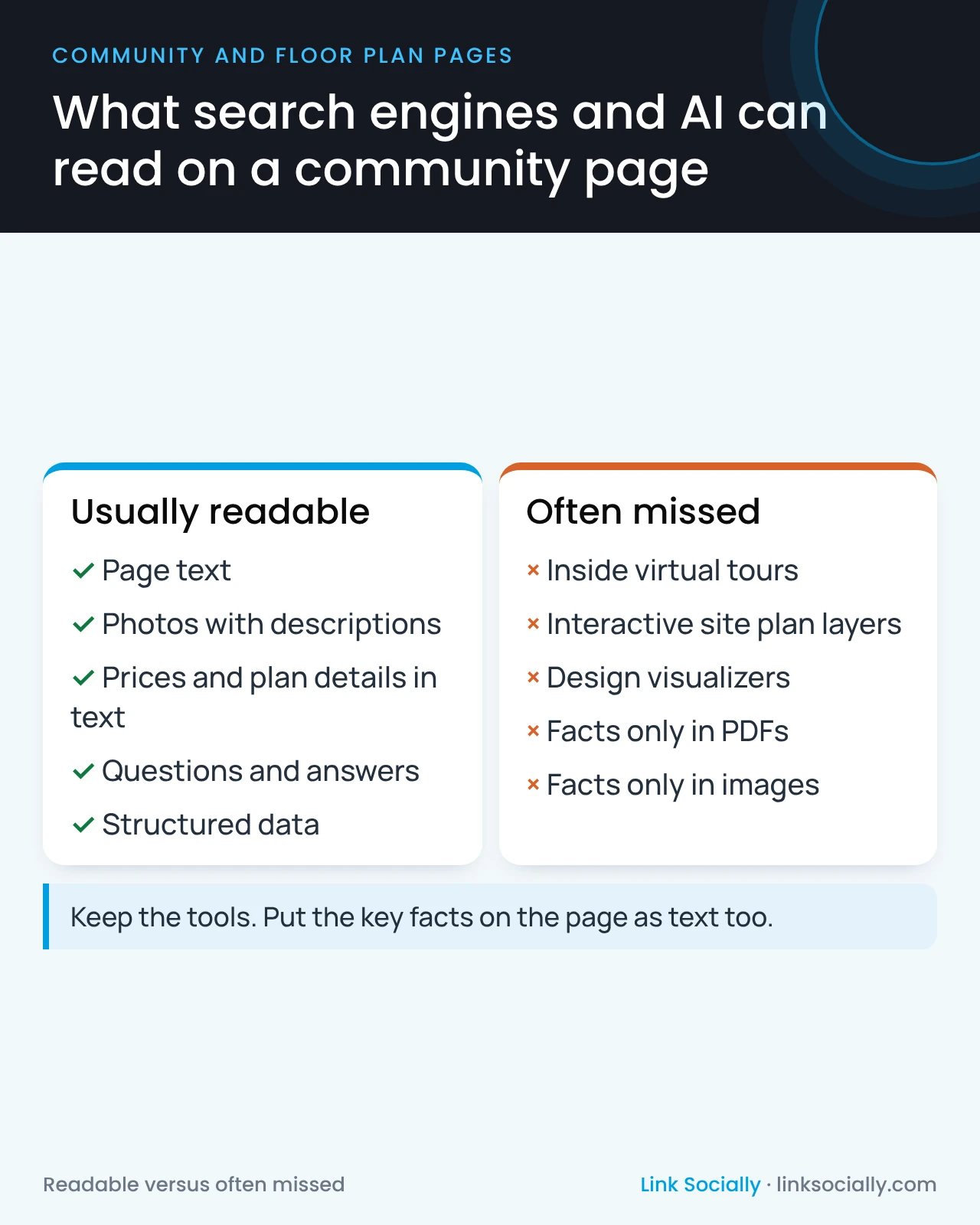
What search engines and AI can read, and what they often miss
The difference is simple: plain text and well-described photos on your page are readable. Information locked inside an embedded tool often is not.
That doesn’t make the tools a mistake. It means they can’t be the only place the facts live. A community page that says, in plain words, how many homesites remain, what the views are, which plans are available and how big they are, works for buyers, search engines and AI assistants. The tour then becomes the reward for a buyer who is already interested.
Keep the tool, add the facts
The fix is not technical, and it doesn’t mean removing anything. It is an editorial rule: every important fact shown in a tool also appears as text on the page.
- Lot availability: a short summary of what remains, updated when lots sell.
- What the tour shows: a sentence or two describing the model, its rooms and its standout features.
- Plan details: bedrooms, bathrooms and square footage in text, not only inside a 3D viewer.
- Downloads: brochures and price sheets in PDF are fine to offer, but their key facts belong on the page too.
There is a second cost to watch: speed. Many of these tools load heavy files as soon as the page opens, which slows the page for every buyer, including the ones who never open the tour. Ask for tools to load only when a buyer taps them. The post on Core Web Vitals for builder leaders explains why that matters.
A five-minute check you can run yourself
You can test this without any tools. Open one of your community pages and find a fact that appears only inside the tour or site plan, such as how many homesites are left or which lots back onto open space. Then search Google for the community’s name with that fact, and ask an AI assistant the same question a buyer would ask.
If neither one finds the answer, buyers searching for it won’t find it either, and the money spent on that tool is only working for buyers who were already on the page. If both find it, the tool and the page are working together as they should.
Questions to ask before you buy or renew a tool
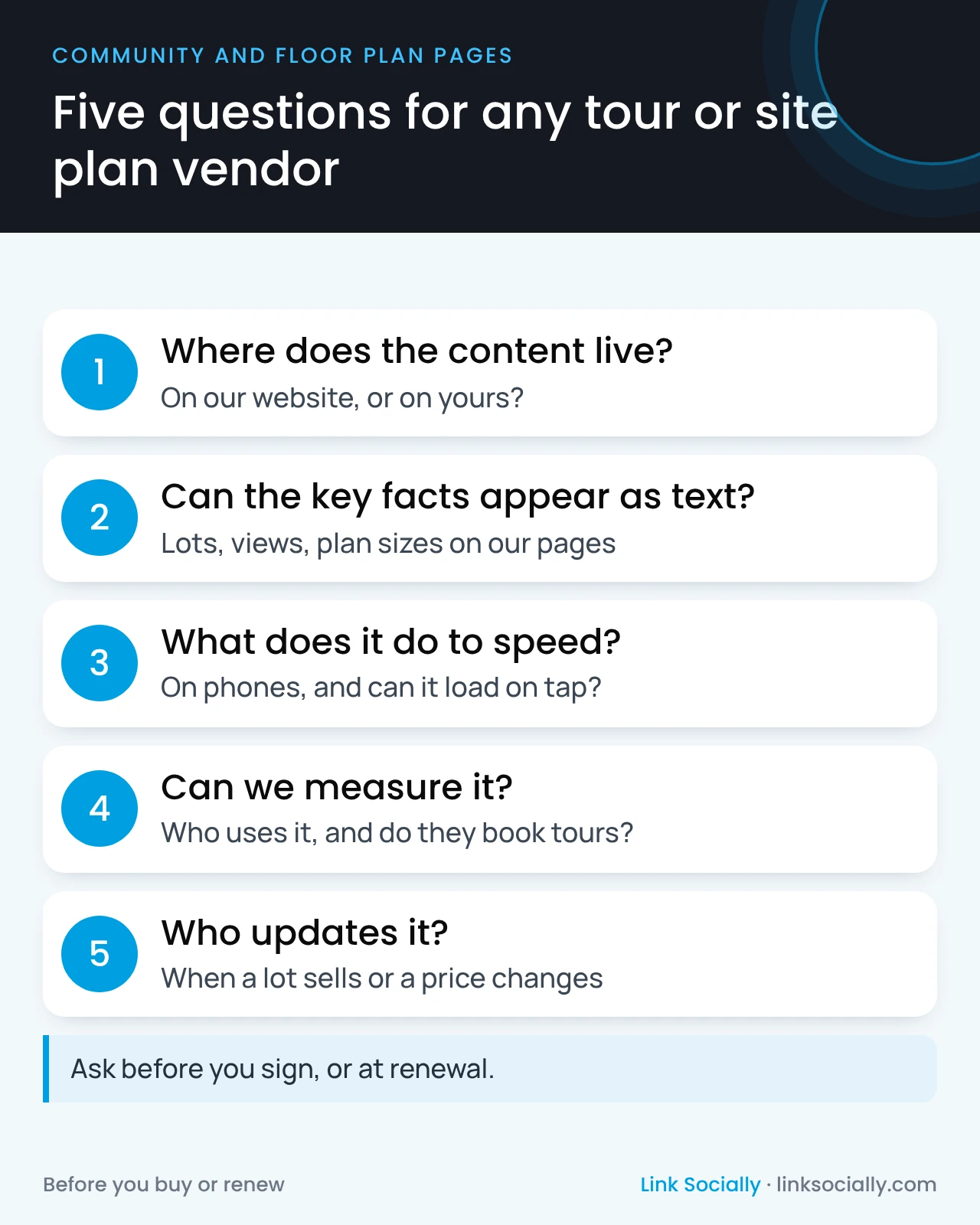
Vendors rarely raise these questions themselves. Ask them before the contract is signed, or at renewal.
- Does the content load from our website, or from yours?
- Can the key facts also appear as text on our pages?
- How does the tool affect page speed on a phone, and can it load only when a buyer opens it?
- Can we see how many buyers use it, and whether they go on to book a tour?
- When a lot sells or a price changes, who updates the tool, and how fast?
Measure whether the tool earns its cost
Every tool should earn its place. Ask your team to compare buyers who open the tour or site plan with those who don’t: do they inquire or book tours more often? If your CRM keeps how each buyer found you, as described in connecting organic search to contracts, you can go one step further and see which tools appear in the journeys that end in contracts.
Who owns it
- The marketing leader owns the tool budget and the rule that facts also live on the page.
- Division sales keep lot status and pricing current, in the tool and on the page.
- The web team or vendor makes tools load on demand and measures their use.
- The SEO lead or agency checks what search engines and AI assistants can actually read.
These tools belong in the qualified buyer journey, as one step between the search and the tour, not as a replacement for a page that answers buyer questions.